
How it works
Your first round, step by step.
Example app screen
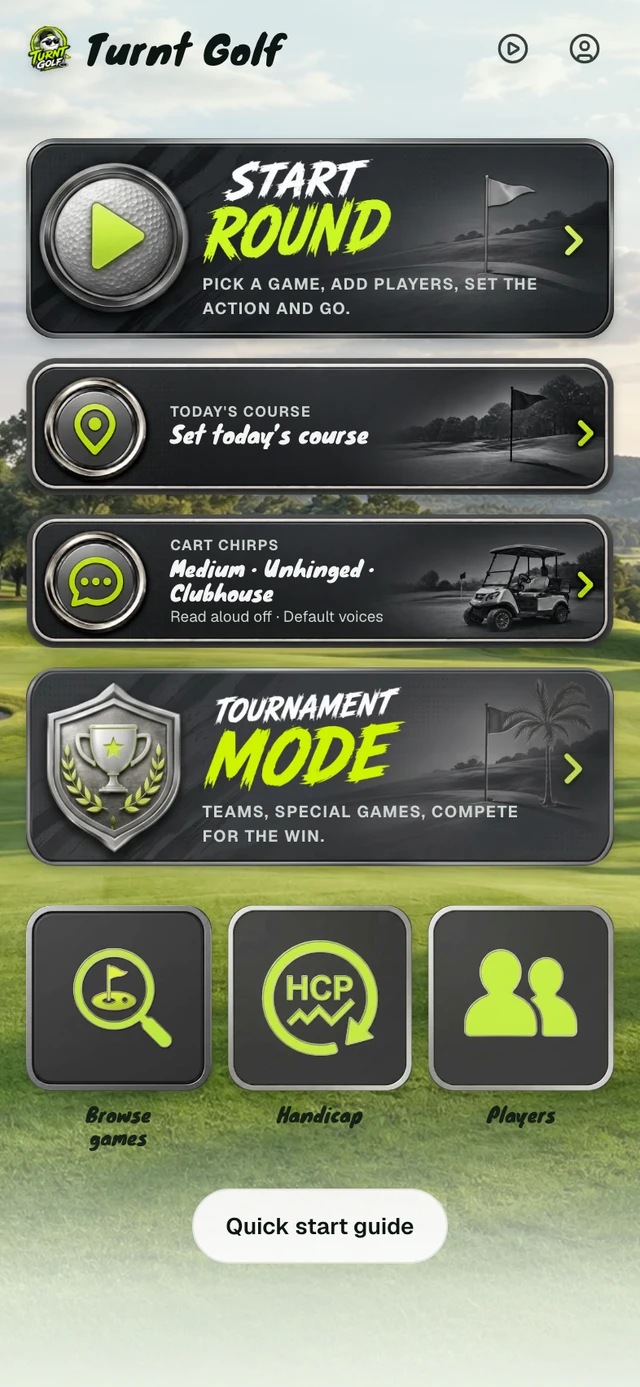
Start from Home.
Tap Start round to get your group playing. These example screens show where to go; the instructions stay below each phone.
Step 1 of 5
Example app screen
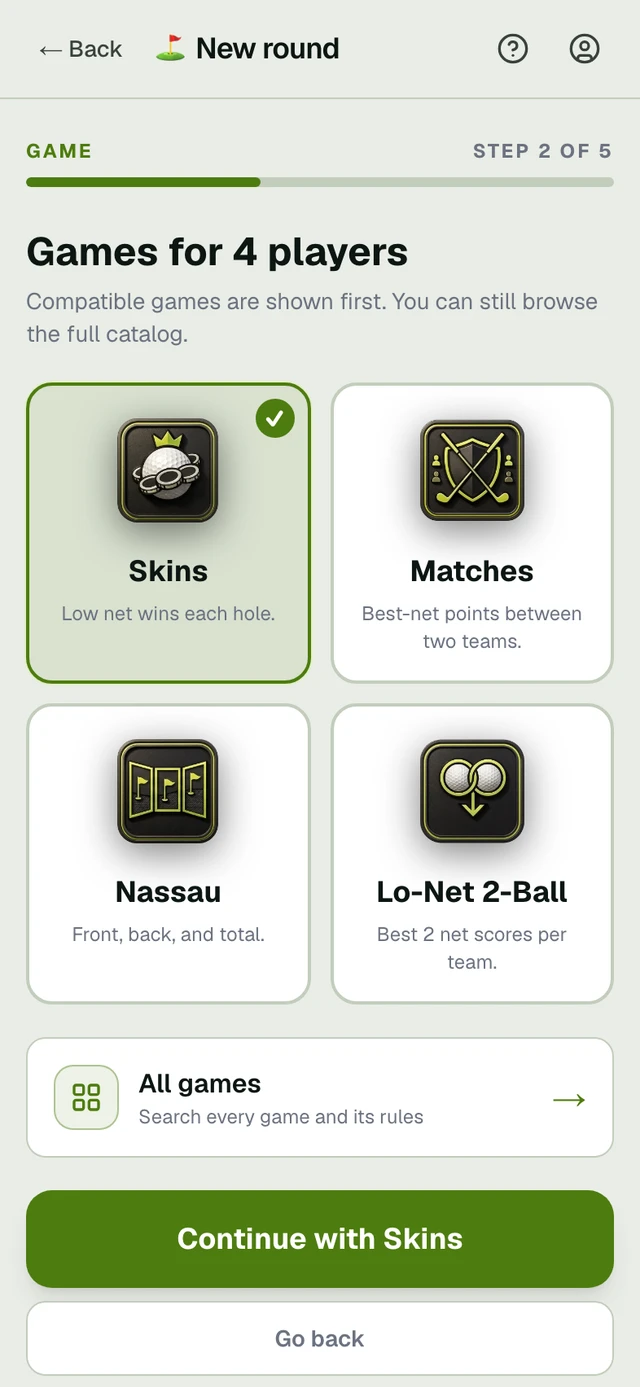
Pick your players. Choose the game.
Tap Start round on Home and select your players. In the game picker, 1 choose a format, then 2 continue with that game. The screen shows Skins selected; our round examples use Just Golf.
Step 2 of 5
Example app screen
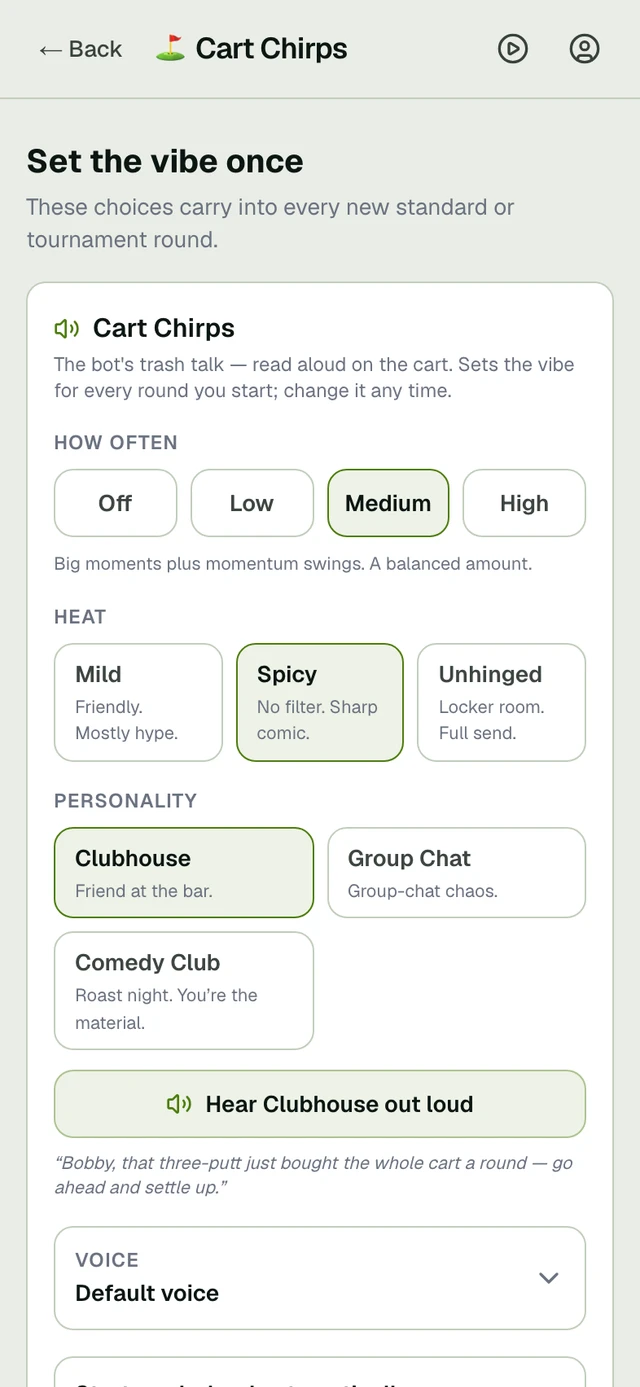
Set the vibe.
Open Cart Chirps from Home to choose the frequency, heat, personality, and voice for future rounds. Try a sample below.
Nothing scripted — the cart said every one of these during a live round. Tap to hear it.
Tap-to-play. No sign-in, no app needed.
Step 3 of 5
Example app screen
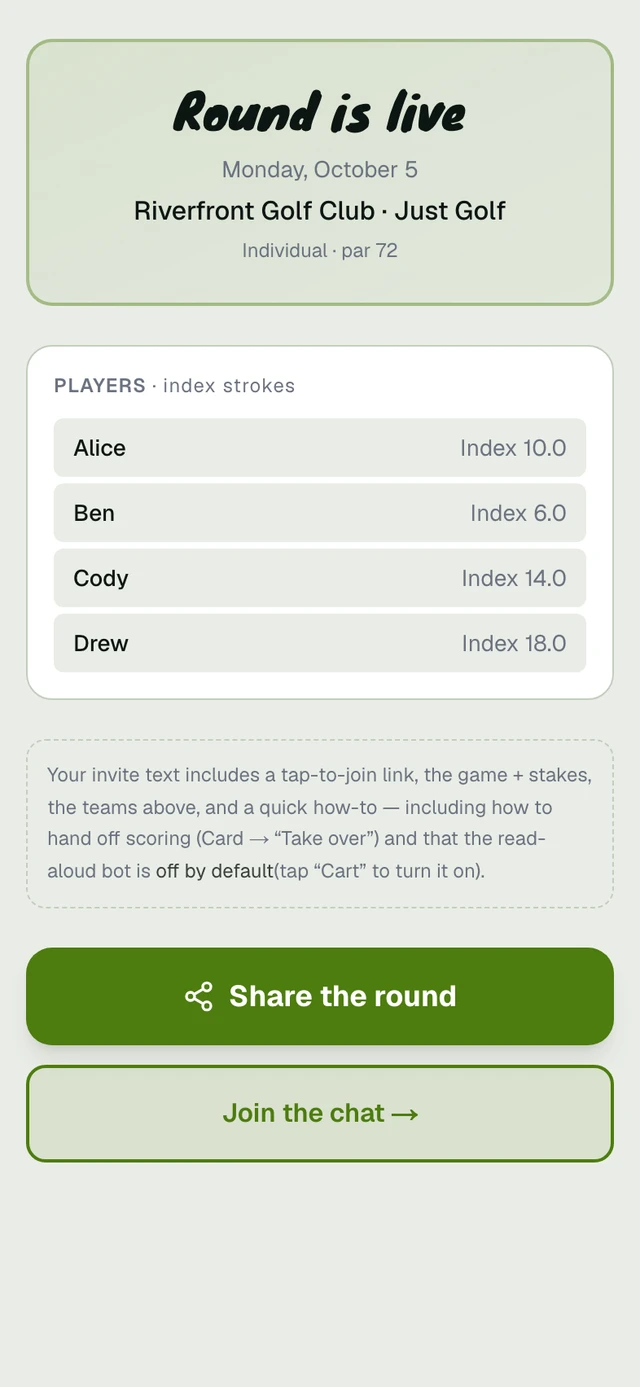
Bring the group into one live round.
Share the round’s join link. From the round lobby, tap Join the chat to follow hole updates and talk with the group. Players can open the link in their browser.
Step 4 of 5
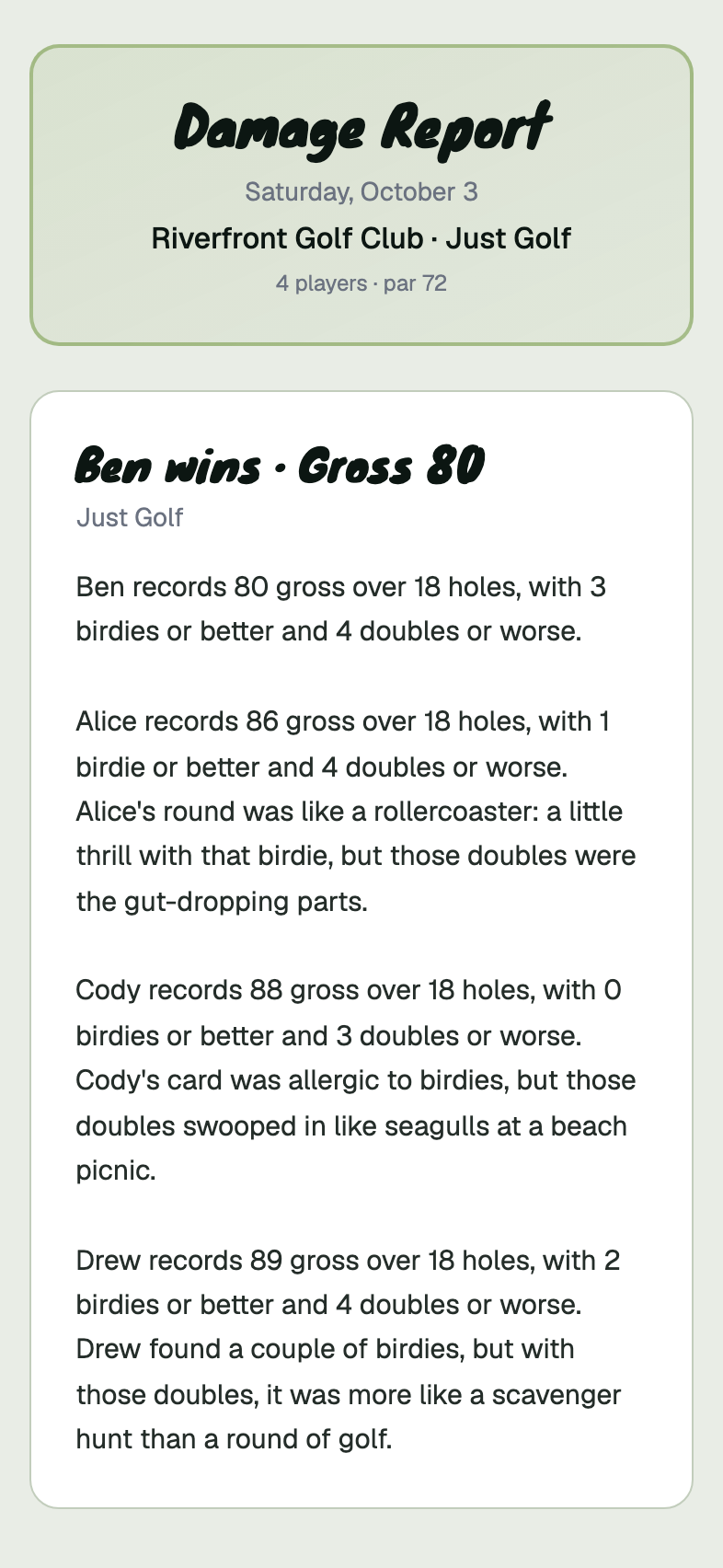
Example app screen
Review the finished round.
When scoring is complete, open the final report to review the card and results. This example is Just Golf, with no money in play; other formats show the results for the games you selected.
Step 5 of 5
Example app screen
Running a scramble? Use Tournament mode.
Choose Tournament mode on Home to set up teams and tournament games. Each team enters one score per hole. Tournament mode requires Host.